How to Create Patch Mockups for a Battle Vest
Build a digital mockup of your vest before you sew, testing scale, placement, and contrast on real patches first.
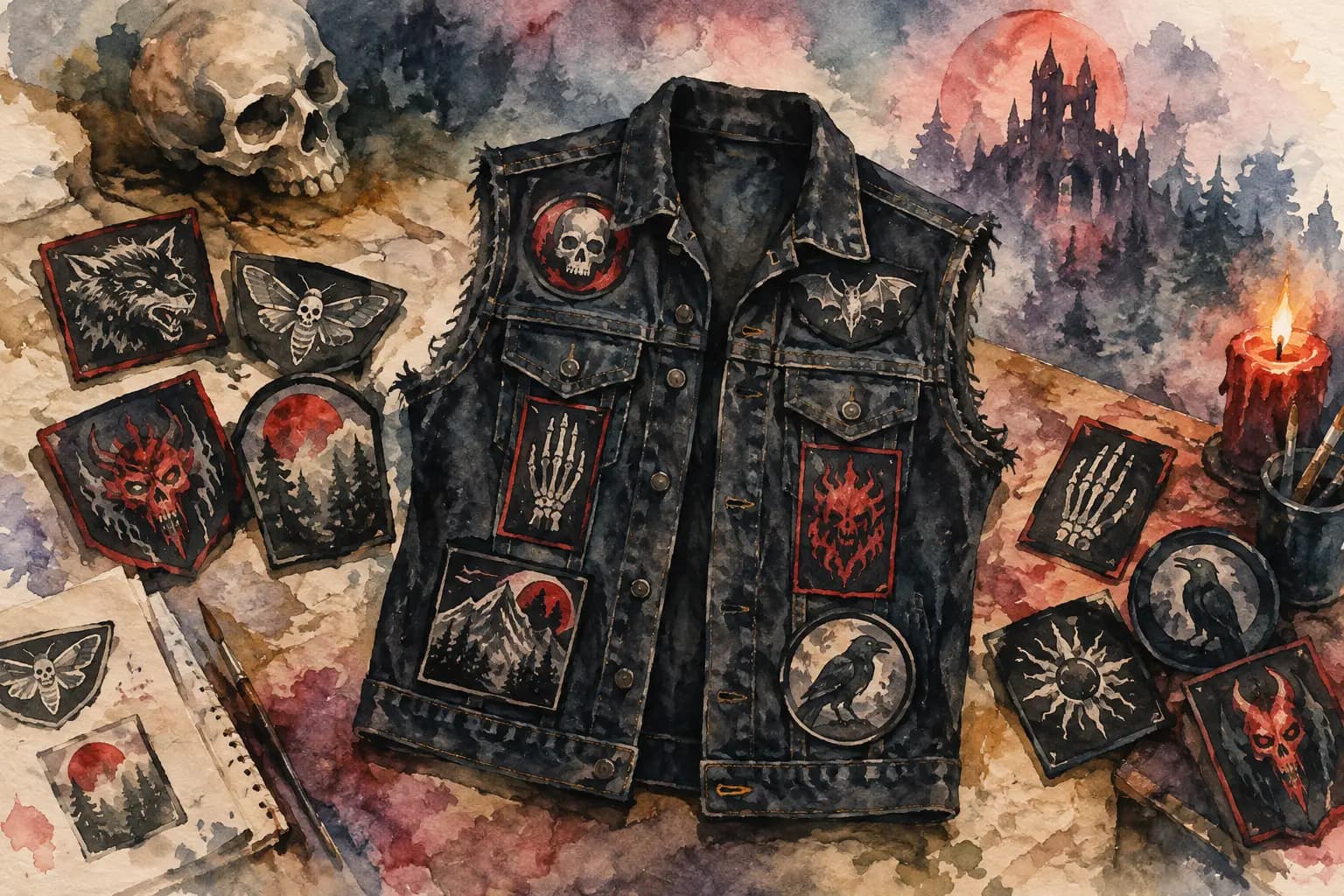
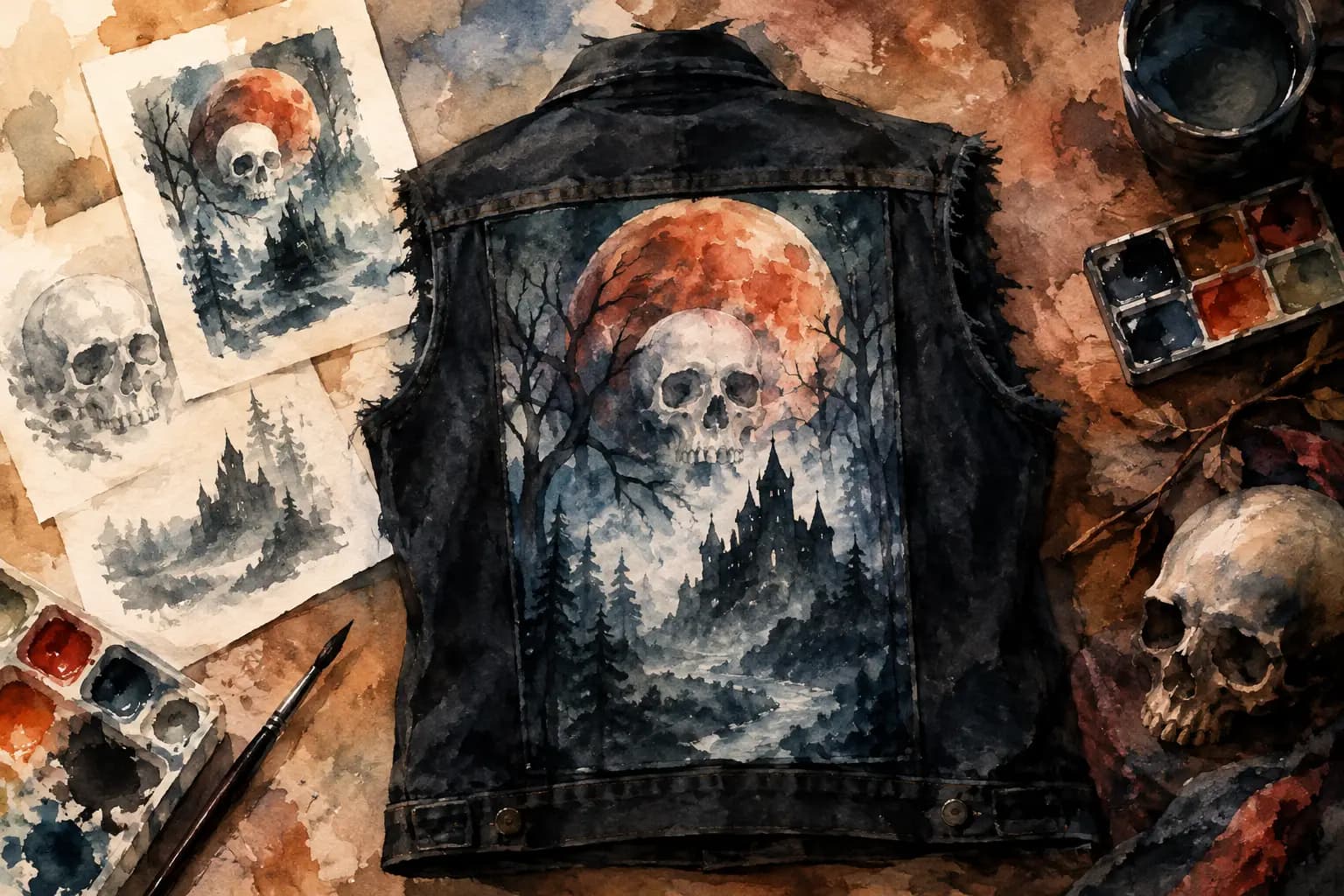
Watercolor illustration of a black denim battle vest covered in skull, bat, and raven patches, surrounded by loose patches, a skull, and a candle.
A patch collection can look perfect on your floor and completely different once it hits denim. That is why learning how to create patch mockups before you thread a needle is worth the extra time. A mockup lets you test the full jacket, not just individual patches: the backpatch, the chest pieces, the weirdly shaped embroidered logo you bought at a show, and the small gaps that can make a layout feel intentional instead of accidental.
For a battle vest or kutte, this is not about following somebody else's rules. It is about seeing your own idea clearly before you make permanent holes in a garment, commit to a crowded panel, or realize your favorite patch has disappeared under a collar seam.
Start With the Actual Garment
The first mistake in patch planning is designing on a blank rectangle. A jacket is not flat in real life. It has lapels, pockets, button plackets, seams, armholes, and a collar that takes up more visual space than you may expect. A vest has different usable panels than a full denim jacket. Leather behaves differently than denim, too.
Choose a mockup template that is as close as possible to what you will sew. Pick the garment color, whether it is a jacket or cut-off vest, and whether you are working on the front, back, or both. Black denim can swallow dark patch borders. Light blue denim may make a distressed black-and-white patch look sharper. The goal is not to recreate every stitch of your garment. It is to work with a believable shape and usable patch area.
If you have already bought the jacket, take a few measurements before you plan. Measure the width and height of the back panel between seams, the space above each chest pocket, and any awkward areas around zippers or hardware. This turns a cool-looking digital design into a layout you can actually build.
Gather Your Patches Before You Place Them
You do not need every patch in hand to begin, but your mockup gets more useful as your inventory gets more accurate. Photograph your own patches on a plain, evenly lit background. Shoot straight down rather than at an angle, so a circular patch stays circular and a rectangular patch does not get distorted.
Crop out as much background as possible. You do not need professional image-editing skills, but clean edges make placement easier to judge. For patches you have not bought yet, use a product image or a temporary placeholder with the same shape and approximate dimensions. Just mark it as a placeholder. It is easy to fall in love with a layout based on a patch that is no longer available or comes in a much smaller size than expected.
Do not overlook odd formats. A long logo strip, shield patch, woven label, or die-cut shape can do more than fill an empty spot. These pieces often create the rhythm of a layout, especially around chest pockets, side panels, and the lower back.
How to Create Patch Mockups That Feel Real
Start with the largest patch. For most battle jackets, that means the backpatch. Place it on the back panel first, then scale it according to its real measurements. A backpatch that is only slightly too large in a mockup can run into shoulder seams or leave no room for the smaller bands you planned around it.
Once the backpatch is set, add the other major pieces. Maybe you have a large woven patch below it, two matching shoulder patches, or a bold front centerpiece. These anchors establish the visual weight of the garment. Smaller patches come later.
Work in layers rather than trying to fill every inch immediately. First, test the big shapes. Then add medium-size rectangles, circles, and logos. Finally, use small patches, pins, studs, or narrow strips to solve the remaining spaces. If you begin with tiny patches, you can end up with a cluttered jacket that has no clear focal point.
A battle vest does not have to be symmetrical. In fact, perfect symmetry can sometimes make a DIY jacket feel too uniform. But it should look balanced from a distance. If the left side is packed with bright white logos and the right side is mostly dark, that can be a deliberate choice. If it happened by accident, the mockup gives you a chance to fix it before sewing.
Use real-world measurements whenever the tool allows it. A patch that looks modest on screen may be 6 inches wide in real life. Scale is one of the biggest reasons digital planning matters. Check the dimensions of every major piece, particularly anything near pocket flaps, jacket edges, or the bottom hem.
Check Placement From More Than One Angle
A flat front view can be misleading. On a worn jacket, fabric curves around the chest and shoulders, and pockets may sit higher than you think. Keep breathing room around closures, snaps, and pocket openings unless you are happy to sacrifice their use.
For the front, decide early whether the pockets stay visible. Some builders put patches directly over them. Others frame the pockets with small logos and save the flat panels for larger pieces. Neither approach is more correct. It depends on whether you want a dense, all-over look or a design where the original garment still shows through.
On the back, leave enough margin around the edges of a large patch to sew it securely. A backpatch pressed right against a shoulder seam may look massive and dramatic, but it can be difficult to stitch cleanly. A little space can also make the main image hit harder.
Rotation matters more than people expect. A slight angle can make a patch follow the line of a lapel or fit naturally beside a pocket. Too many unrelated angles, though, can make a jacket look scattered. Use rotation with intention, especially for rectangular patches and text logos.
Test Color, Contrast, and Negative Space
A patch mockup should answer one simple question: can you still read the jacket from a few feet away? If every patch is black, gray, and dark red on black denim, the result may be exactly the grim, low-contrast look you want. But check it before you sew. A grayscale preview is useful here because it strips out color and shows whether the major shapes still separate from one another.
Look at the empty spaces too. Negative space is not wasted space. It gives individual patches room to exist, makes the backpatch more visible, and leaves you flexibility when a future tour patch or unexpected score needs a home.
There is a trade-off. A packed crust-style vest can look incredible because it feels lived-in and relentless. A more open layout can make each band patch easier to see and maintain. Neither is better. Build for the jacket you want to wear, not for an imaginary standard.
Refine Before You Commit to Thread
Save more than one version of your design if you are undecided. Try one layout with the larger patch on the lower back, another with it on the front, and a third with more breathing room around the centerpiece. Looking at versions side by side makes decisions easier than endlessly nudging one patch by a few pixels.
The Black Thread lets you build these layouts in a browser with jacket and vest templates, drag-and-drop patch placement, front and back views, rotation, scaling, measurements, and contrast checks. You can begin planning without an account, then save a design when you are ready to revisit it. Treat the finished mockup as a sewing reference, not a rigid blueprint. Fabric shifts, patches vary slightly, and good DIY work leaves room for adaptation.
Before sewing, lay your physical patches on the actual jacket in the same order as your mockup. Take a photo, step back, and compare it with the plan. If something needs to move half an inch to clear a seam, move it. The mockup has already done its job by helping you spot the expensive mistakes before they become permanent.
A Few Patch Mockup Questions
Should you plan the front and back together?
Yes, especially if you have a limited number of large or high-contrast patches. The two sides do not need to match, but viewing the full garment helps you avoid putting every visual heavyweight on one side. A bold backpatch often gives you freedom to keep the front more personal, functional, or chaotic.
What size should a backpatch be?
Measure the usable back panel rather than relying on a standard size. Most backpatches need clearance from shoulder seams, side seams, and the bottom edge. If your patch is close to the full width of the panel, make a mockup at its true dimensions before buying or sewing it.
Can you mock up a jacket before owning all the patches?
Absolutely. Use placeholders for planned patches, but do not treat those spaces as guaranteed until the real items arrive. Keep a little flexibility in the layout for changes in availability, size, and shape.
Your jacket will change as your taste changes, bands release new art, and patches find you at the right show. Make a plan, sew what feels right, and leave a little room for the next piece of your story.