Patch Editor Review for Battle Vest Builders
A look at what a good patch-planning tool should do: show your real garment, scale patches accurately, and catch placement mistakes before you sew.
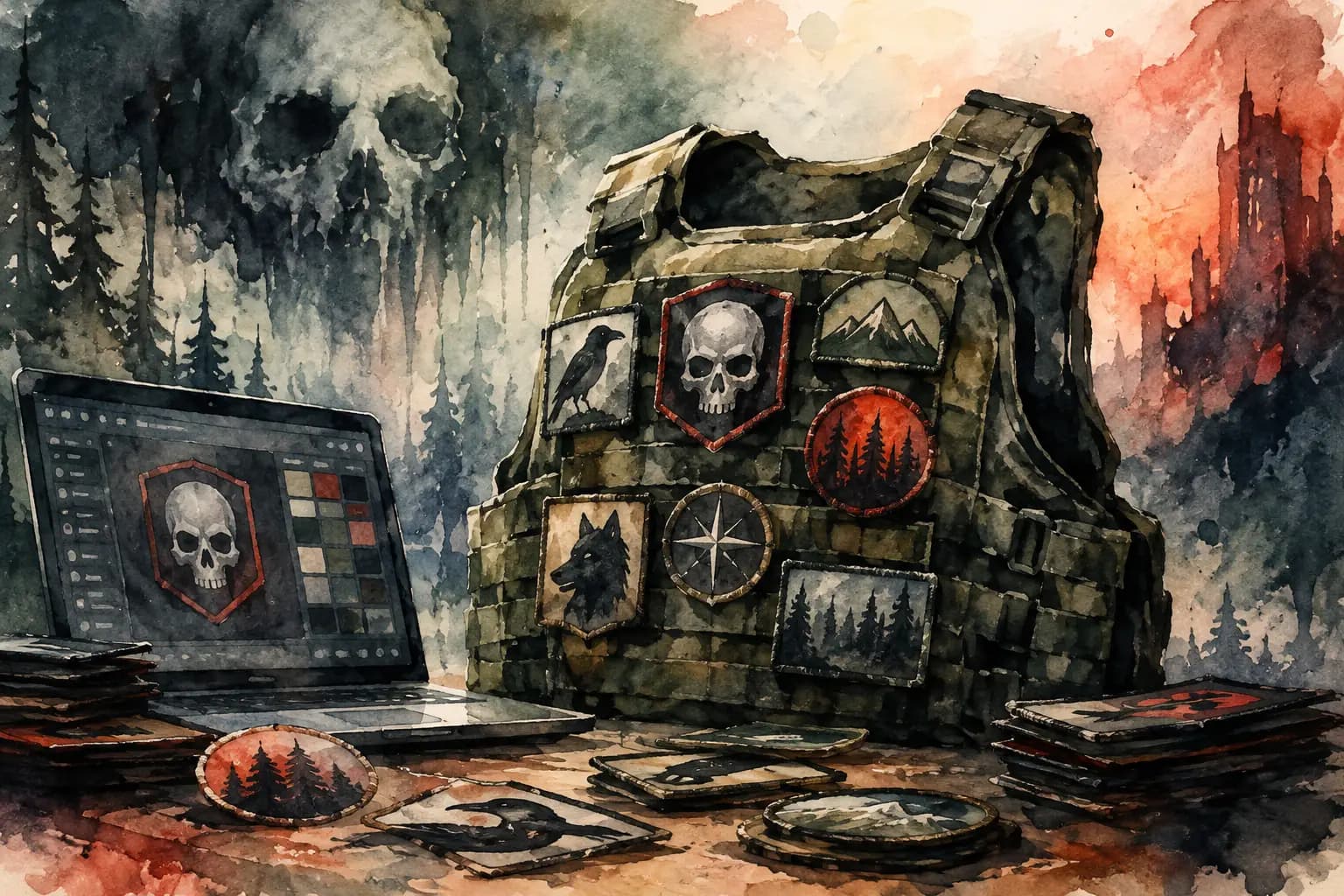
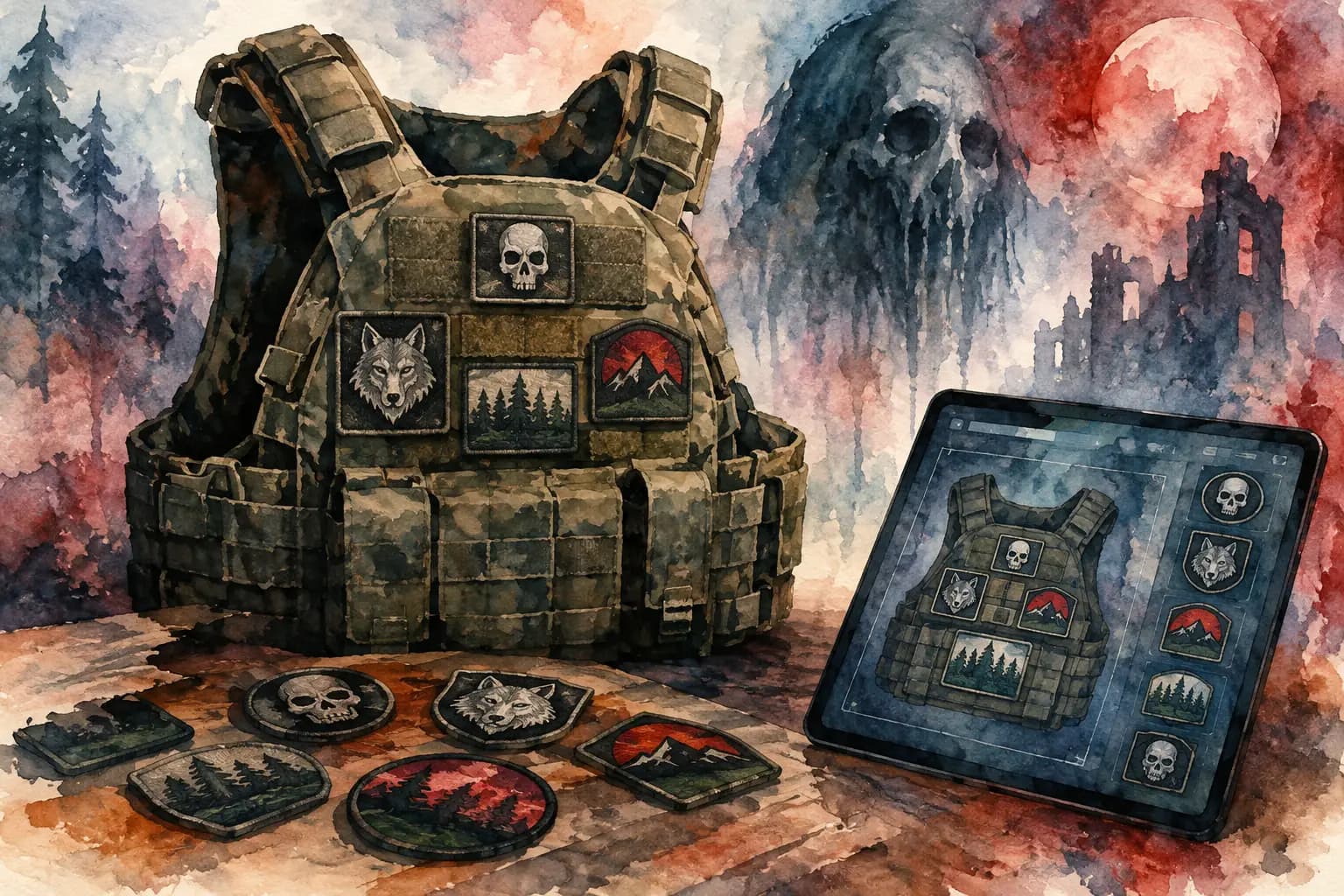
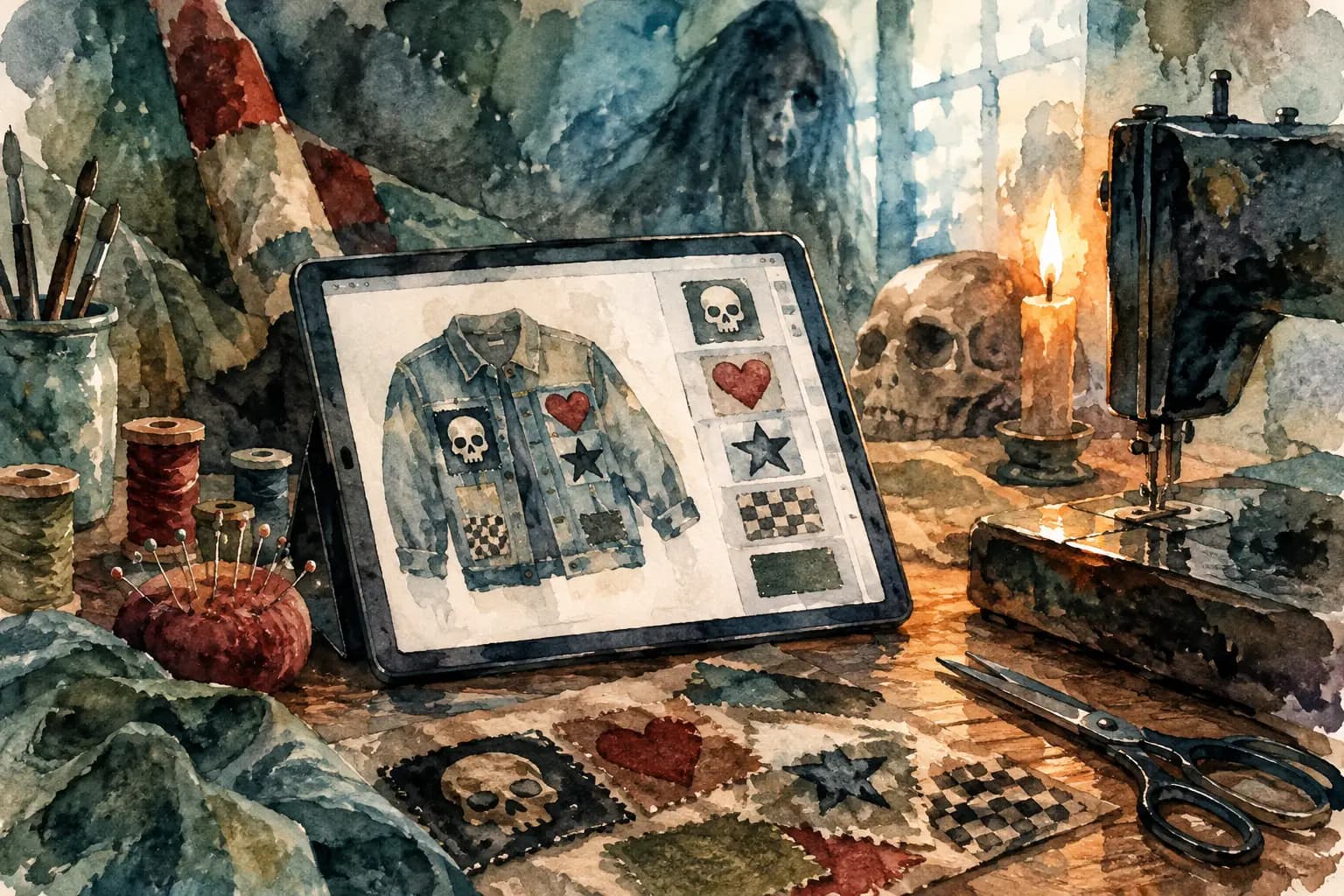
Watercolor illustration of a tactical vest covered in skull, raven, wolf, mountain, and forest patches beside a laptop showing a patch design editor with a skull patch and color swatches.
A crooked backpatch is not a minor detail once it is sewn onto denim. Neither is discovering that your favorite chest patch disappears beside a huge logo, or that the front looks packed while the back still feels unfinished. This patch editor review looks at what a planning tool should actually do for battle vest builders: help you make the calls before the needle, thread, and permanent holes come out.
For a first kutte, visual planning removes a lot of guesswork. For a jacket that has been collecting patches for years, it gives you a way to test a new piece without tearing apart what already works. The goal is not to follow somebody else's layout rules. It is to see your own jacket clearly enough to make deliberate choices.
What a patch editor should solve
Generic image editors can place pictures on a canvas, but a battle jacket is not a blank poster. It has seams, lapels, pockets, buttons, collar points, armholes, and a shape that changes from front to back. A useful patch editor starts with the garment rather than making you fake one from a flat rectangle.
The practical question is simple: can you picture the finished vest well enough to sew from the plan? That means seeing a real jacket or vest template, choosing a color close to your denim or leather, and switching between the front and back. It also means being able to move patches without rebuilding the whole composition each time you change your mind.
A good tool should make the expensive mistakes cheap. It should show when a circular patch needs more breathing room, when a strip patch belongs along a yoke instead of across the chest, and whether a backpatch is really centered on the usable panel rather than just centered on the screen.
Patch editor review: the features that matter
Not every feature deserves equal attention. Filters and decorative effects may be fun, but they do not tell you whether a woven patch will crowd a pocket flap. For jacket builders, scale, placement, and garment context matter more.
Start with the actual garment shape
Choose a jacket or vest that resembles what you are working with. A sleeveless denim vest has different usable space from a trucker jacket with sleeves, and a black canvas jacket can make the same patch read completely differently than faded blue denim.
Front-and-back views are essential. The back is usually where the visual weight lives, especially if you are building around a backpatch. The front is where the details build personality: chest logos, small woven patches, pins, studs, name tapes, and the odd patch that only makes sense to you and your friends.
The Black Thread is built around those real decisions, with jacket and vest templates made for the way metalheads, punks, rock fans, and hardcore kids actually plan a kutte.
Use your own patch collection
A battle jacket should not be limited to whatever stock graphics happen to be in a design tool. Uploading patch photos or artwork lets you plan with the pieces you own, including vintage finds, tour patches, handmade screen prints, and weird-shaped local-band merch.
A community patch library can speed things up when you are sketching a future build or looking for visual references. Still, treat it as a planning aid, not a promise that every patch will be easy to find. If a specific patch is central to your layout, use an image of the actual item whenever possible. Borders, aspect ratios, and printed colors vary more than product photos suggest.
Scale in centimeters, not just by eye
Scaling is where a patch editor becomes more than a mood board. A small chest patch can look fine on a large screen and end up lost on a real vest. A backpatch can look enormous in a mockup while still leaving several inches of denim around it in person.
Real-world centimeter measurements give you a better reference point. Measure the patch itself, then measure the usable section of your garment. Account for seams and pocket flaps, not just the widest part of the jacket. If you are working with a patch that is stiff, thick, or heavily embroidered, leave extra room around it. It may need more clearance than a thin printed patch.
Rotation matters too. Slightly angled patches can make a layout feel lively, but too many competing angles can turn the jacket into visual noise. Test the tilt on screen, then decide whether it supports the rest of the design or is just fighting for attention.
Check contrast before you commit
A grayscale preview is one of the most useful reality checks in a patch editor. Color can distract from the bigger question: can you still see the shapes and hierarchy of the layout when the reds, greens, and metallic thread are stripped away?
If two patches blend together in grayscale, they may still work if that dense, layered look is what you want. But if you want your backpatch or a favorite chest logo to hit immediately, contrast is worth protecting. Move darker patches away from dark denim, create a little space around key pieces, or use a border patch to separate similar values.
A simple way to plan your layout
Start broad, then get picky. Trying to perfect every small patch before placing the big ones usually creates more work.
Choose your jacket and place the anchors
Pick the closest garment template and color first. Then place the anchors: usually the backpatch, a large center-back design, or the few patches that absolutely have to be on the jacket. On the front, that might mean a chest logo, a large side patch, or a memorial piece you want to keep visible.
Do not rush to fill open denim. Empty space is not a failure. It can give a large patch room to hit harder, make future additions easier, and keep the garment from feeling like every square inch is yelling at once.
Add patches by shape and visual weight
Next, arrange the medium pieces around the anchors. Mix shapes intentionally. Long strips can frame the upper back or lower hem. Circular patches can soften a grid of rectangles. Tall patches often work along side panels, but only if they do not bend awkwardly around a seam.
Then add the small pieces. This is where a layout starts to feel personal, but it is also where clutter sneaks in. Zoom out often. If the jacket reads as a pile of unrelated logos from a distance, remove, move, or resize a few patches before adding more.
Save versions before making a final call
Save your design once the overall placement works, then make a second version for riskier experiments. Try the dense version. Try the version with more negative space. Swap the chest patches. Rotate one strip patch and see whether the composition settles down or gets messier.
You do not need an account to begin planning, but saving designs makes it much easier to return after a patch order arrives or your taste changes. That matters because battle jackets are rarely finished in one sitting. Most grow over months or years.
What a screen cannot tell you
A digital plan is a reference, not a substitute for handling the garment. Denim weight, patch stiffness, curved panels, frayed edges, and your sewing method all affect the final result. A patch that looks perfectly flat in a mockup may wrinkle when it crosses a pocket seam. A design that is balanced from straight on may shift when the vest is worn.
Before sewing, lay the real patches on the real garment and compare them to your saved design. Take a photo from a few feet away. Put the vest on if you can. Check whether shoulder patches sit where you expected and whether the backpatch remains centered when the fabric is under tension.
It also depends on the look you want. A pristine, symmetrical layout benefits from careful measurements and clean spacing. A scarred, patched-over, decades-in-progress jacket can break those conventions on purpose. The editor should support both approaches, not force every builder into the same template.
Sew from a plan, then make it yours
The best patch editor does not decide what belongs on your jacket. It gives you a low-risk place to test the idea, spot problems, and build confidence before the permanent work starts. Use measurements for the pieces that need precision. Use grayscale when contrast feels off. Save a few versions when the choice is close.
Then put the phone or laptop aside, pin the patches down, and let the physical jacket have the final say. A battle vest is meant to carry your bands, your shows, your history, and your taste. The plan gets you started. The sewing makes it yours.