Patch Visualizer Review: Plan Before You Sew
What separates a useful patch visualizer from a toy, and how to use one to plan a layout you can actually sew.
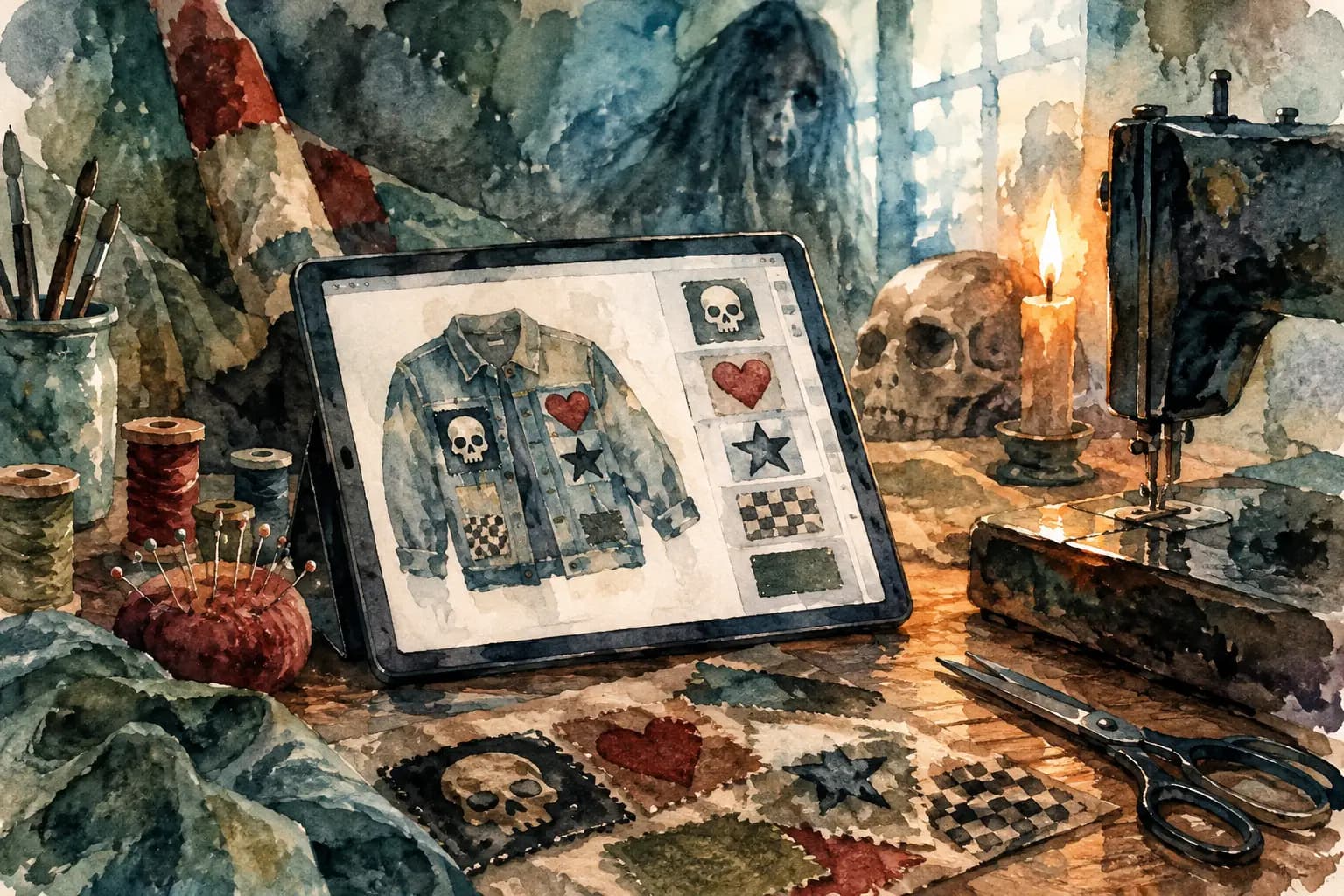
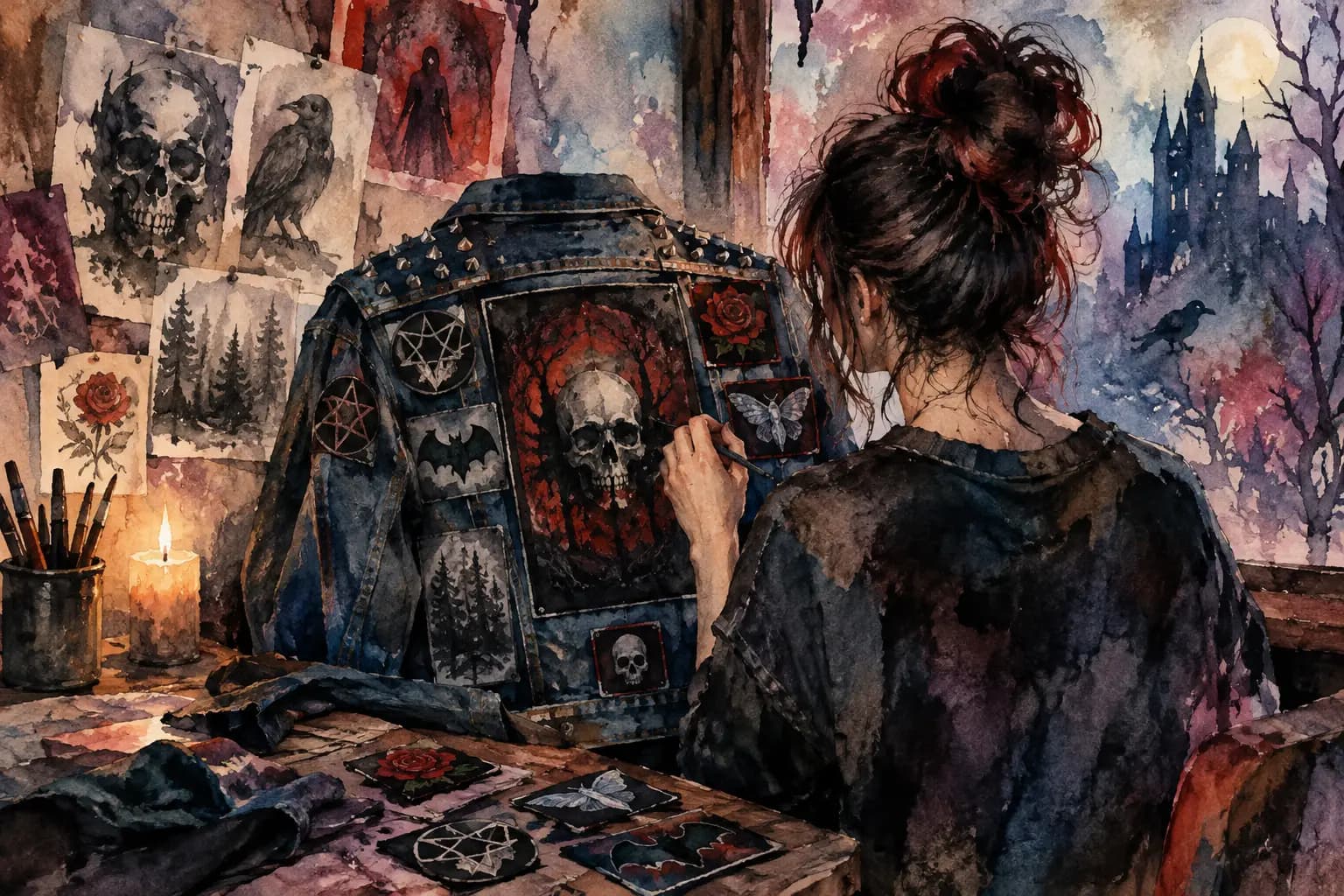
Watercolor illustration of a tablet showing a denim jacket patch layout app on a sewing workbench with a skull, candle, pins, and scissors.
A battle jacket can take years to build, but one bad placement decision takes only a few seconds with a needle. That is the real value behind any patch visualizer review: not replacing the hands-on work, but giving you room to make mistakes before your denim, leather, patches, and patience are on the line.
Whether you are starting your first vest with a single backpatch or reorganizing a pile of tour patches collected over a decade, a visual planning tool can turn a vague idea into a layout you can actually sew. The best ones understand that a kutte is not a generic collage. Patch shape, garment seams, chest pockets, back panels, and the way a jacket sits on a real body all matter.
Patch Visualizer Review: What Actually Matters
A patch visualizer should answer a simple question: will this look right on the actual garment? If it only lets you drag flat images around a blank canvas, it may be useful for inspiration, but it will not tell you much about whether a tall woven patch collides with a pocket flap or whether your backpatch leaves enough room for a border of smaller band logos.
Start with the garment itself. A useful builder offers recognizable jacket or vest templates, along with different colors and front-and-back views. Black denim, faded blue denim, gray, and leather can all change how the same patch reads. A bright yellow logo that screams against black may disappear into worn blue denim, while a white printed patch can dominate a layout more than expected.
The next test is scale. Patch collections are rarely made of neat, matching rectangles. You might have a massive 12-inch backpatch, a stack of 4-inch embroidered rectangles, shield-shaped patches, circular logos, and an odd long strip that only makes sense above a pocket. If a visualizer cannot resize patches with precision, it cannot help you judge the hierarchy of the jacket.
That hierarchy matters. Most battle vests have a focal point, usually the backpatch, but not every jacket needs to follow the same formula. A crust-covered punk jacket may work best with an almost chaotic full-back arrangement. A cleaner heavy metal vest might use a centered backpatch with deliberate rows around it. The point is not to obey rules. It is to see the choice clearly before you commit.
Rotation is another feature that sounds minor until you need it. A small tilted patch can make a tightly packed section feel alive. A patch turned slightly to follow a shoulder line may sit more naturally than one locked to a rigid grid. On the other hand, rotating everything can quickly look accidental rather than intentional. A good tool lets you test both without making you unpick stitches later.
The Difference Between Planning and Decorating
There is a difference between arranging patches until the screen looks cool and planning a garment you can physically build. The second approach asks practical questions.
Can you still open the chest pockets? Does the patch cross a seam so heavily that sewing it flat will be a headache? Is there enough breathing room around the backpatch? Will the layout still work once the vest is worn, bent, and thrown over a hoodie at a show?
A proper battle jacket builder helps with those questions by showing patches on a garment rather than on an empty board. The Black Thread, for example, is built around jacket and vest layouts instead of treating your patches like random stickers. That makes the planning process feel closer to the real workbench: choose the garment, add the patches, adjust the placement, then use the result as your reference while you sew.
Real-world measurements make that reference much more useful. A patch that appears reasonable on a screen can be wildly oversized once you compare it to the width of a vest panel. If a tool supports centimeter dimensions, use them. Measure your actual patch at home, enter or compare its size, and check it against the garment view. This is especially helpful for backpatches, which are expensive enough that guessing their fit is not worth it.
Grayscale preview is less obvious, but it earns its place. Color can distract you from contrast. A grayscale check shows whether two dark patches are blending into one muddy block, whether a white logo is pulling too much attention from the center, or whether a detailed patch will vanish against similarly toned denim. It will not decide your layout for you, but it can expose problems that are easy to miss while staring at red logos and neon thread.
Build the Layout in the Right Order
The fastest way to make a visualizer frustrating is to upload every patch you own and start scattering them around. Work from the largest decisions down. Put the backpatch in first if you have one. Then place major front pieces such as large chest patches, name strips, or the patches you know must be visible.
After that, create zones instead of filling every open inch. One side of the front might hold your favorite bands. The other might become a more mixed collection of labels, causes, horror art, or local-scene patches. On the back, you may want a frame around the centerpiece, a dense upper panel, or space left open for future finds. A jacket does not need to be finished to look intentional.
Once the large shapes are in place, add medium patches. This is where balance starts to matter more than symmetry. If the left side has a large, high-contrast circular patch, the right side does not need an identical circle. It may need another visual weight - a bright rectangular patch, a cluster of smaller designs, or a darker piece that gives the eye somewhere to land.
Small patches should solve specific problems. They can fill an awkward gap near a seam, bridge the space between larger pieces, or add a bit of personality near a collar or pocket. They should not become automatic filler. Leaving some denim visible can make individual patches hit harder, and it gives you room for the band you discover next year.
What a Visualizer Cannot Tell You
Even the best patch visualizer is a planning tool, not a replacement for handling the garment. Screens cannot fully show patch thickness, stiff embroidery, fraying edges, or how a heavy leather vest behaves under a sewing machine needle. They also cannot tell you whether a vintage patch is too precious to risk cutting or whether the glue backing will make hand sewing annoying.
Before you sew, lay the real patches on the real garment. Use safety pins, painter's tape on the patch backing, or fabric clips where appropriate. Try the jacket on. Look in a mirror, move your arms, and check the back with a friend or a photo. The digital layout gives you a strong starting point, but the final call belongs to the garment in front of you.
It also depends on your goal. If you are making a fast, rough punk jacket, you may care more about energy than exact alignment. If you are building a carefully curated traditional metal vest, consistent spacing and centered placement may matter more. Neither approach is more legitimate. The visualizer should support your intent, not sand off the character that makes the jacket yours.
Who Gets the Most Value From a Patch Visualizer?
First-time builders get an obvious benefit: they can learn the basic geography of a vest before spending money on patches that do not fit together. Seeing a backpatch, chest pockets, and shoulder areas in context makes the process less intimidating.
Experienced collectors may get even more out of it. When you have a stack of patches waiting for a home, a saved layout keeps the project organized. You can compare alternate backpatches, test a new tour pickup without disturbing the rest of the design, and revisit the plan whenever the jacket evolves.
The strongest visualizers also remove unnecessary barriers. You should be able to start experimenting without downloading software, paying for a trial, or creating an account before you know whether the tool fits your process. Saving designs is useful once you are invested, but the first step should feel as easy as spreading patches across your bed - minus the risk of losing one under the laundry.
A good battle jacket is never just a collection of logos. It is a record of shows, scenes, obsessions, friends, and phases that stuck. Use a visualizer to get the placement right, then let the stitching, wear, and future additions make it unmistakably yours.